
What Happens When You Don’t Keep Up with Microsoft Changes
Microsoft’s technology ecosystem never stands still. New versions of Windows, Microsoft 365 enhancements, security patches, licensing changes, browser support updates, and evolving hardware requirements are released constantly. For many organisations, particularly those managing complex IT estates, keeping pace can feel like an ongoing challenge.
In our recent blog on Microsoft technology retirements, we explored how Microsoft regularly phases out older products and services. But retirement dates are only part of the story. Even before support officially ends, businesses that delay updates or continue running outdated systems can expose themselves to significant operational, financial, and security risks.
The reality is simple: staying current is no longer optional. It is a core part of maintaining a secure, efficient, and productive IT environment.
The Real Risks of Falling Behind
For many years, Microsoft technology was built around long-term backward compatibility. Older devices, browsers, and applications could often continue running for years without major disruption.
However, over the last five to six years, Microsoft’s approach has changed significantly. As cloud services, modern security standards, and AI-driven tools have evolved, support for older operating systems, browsers, devices, and hardware has reduced dramatically. Businesses can no longer assume older platforms will continue working seamlessly with new applications and services.
Many organisations still operate on the assumption that “if it isn’t broken, don’t fix it.” In reality, unsupported or poorly maintained systems often create problems gradually before becoming major operational issues.
Increased Security Exposure
One of the biggest risks of outdated Microsoft environments is security vulnerability.
Cyber criminals actively target older operating systems and unpatched software because known weaknesses are easier to exploit. Once Microsoft stops supporting a product, security vulnerabilities are no longer fixed, leaving organisations exposed to ransomware, phishing attacks, data breaches, and compliance failures.
Even systems that are technically still supported can become vulnerable if regular patching and updates are delayed.
Modern patch management is now far more reliable and manageable than it once was. Updates can be tested, scheduled, and deployed with minimal disruption when managed properly. Businesses that avoid updates because of concerns about instability are often operating with outdated assumptions.
Keeping systems updated remains one of the simplest and most effective ways to reduce cyber risk.
Compatibility Problems Are Becoming More Common
One of the biggest changes organisations are now experiencing is reduced compatibility between older operating systems and newer hardware, software, and cloud services.
Businesses running older Windows environments increasingly encounter issues when trying to:
- Connect new devices or peripherals such as printers, scanners, or specialist equipment
- Deploy newer versions of applications
- Support updated APIs and integrations
- Maintain compatibility with modern Java versions and browser requirements
- Use the latest Microsoft 365 and Teams functionality
- Integrate with cloud-based services and security tools
Internal IT teams often spend growing amounts of time troubleshooting compatibility problems and finding temporary workarounds instead of focusing on strategic improvements.
What may begin as a small inconvenience can quickly become a serious operational issue when critical business systems or devices no longer function correctly on older platforms.
A Real-World Example
At Fordway, we regularly see the impact outdated systems can have during customer onboarding and infrastructure audits.
As part of our due diligence process with new clients, we assess operating systems, hardware compatibility, patching status, security posture, and Microsoft lifecycle risks to identify potential issues before they become business-critical.
In one example, a customer operating in a high-security environment onsite was still running older Windows 10 environments while introducing new drone technology for site surveys and operational monitoring. The drone software would not function correctly on the outdated operating systems, creating an immediate operational challenge.
The organisation was forced into an urgent upgrade programme to enable the drones and associated software to work properly.
This is becoming increasingly common. As businesses adopt newer devices, applications, and cloud-connected technologies, older operating systems are often no longer capable of supporting them effectively.
Planned upgrades are always far less disruptive than emergency remediation projects triggered by compatibility failures.
Rising Costs and Inefficiencies
Delaying updates often appears to save money in the short term, but the opposite is usually true.
Older environments frequently require:
- More manual support
- Additional troubleshooting
- Increased downtime
- Compatibility workarounds
- Higher infrastructure costs
- Emergency upgrade projects
Legacy systems also struggle to integrate effectively with modern Microsoft tools and cloud services, preventing organisations from fully benefiting from the productivity and automation capabilities they are already paying for.
Subscription licensing adds another consideration. Many Microsoft updates and improvements are already included within existing licensing agreements. Businesses are often paying for features, security enhancements, and productivity improvements that they simply are not using.
Failing to adopt available updates can therefore mean paying more while gaining less value.
User Disruption and Productivity Issues
Technology that falls behind eventually affects users directly.
Consider an organisation still running older Windows devices and delaying Microsoft updates because “everything seems to be working fine.”
Over time, employees begin experiencing issues joining Teams meetings, accessing shared files remotely, and using newer Microsoft 365 features that colleagues on updated systems can access without problems. Internal IT teams spend increasing amounts of time troubleshooting compatibility issues and manually fixing devices instead of focusing on strategic projects.
Then a critical security vulnerability is identified in the older operating system. Microsoft has already released protections for supported versions, but the organisation’s outdated devices cannot receive the latest security updates. Within days, a phishing attack compromises several user accounts, causing downtime and disrupting customer service operations.
What began as a decision to “delay updates for now” ultimately results in:
- Lost productivity
- Increased IT support costs
- User frustration
- Greater cyber security exposure
- Emergency remediation work that becomes far more disruptive than planned updates would have been
This is a common pattern for organisations that fall behind on Microsoft lifecycle management. Small delays gradually create larger operational and security problems that become far more difficult — and expensive — to resolve later.
Employees may experience:
- Slower systems
- Compatibility problems
- Application crashes
- Inconsistent collaboration tools
- Poor hybrid working experiences
As Microsoft develops newer services around current platforms such as Windows 11 and Microsoft 365, older environments become increasingly disconnected from the modern workplace experience users expect.
Why Keeping Up to Date Matters More Than Ever
The pace of Microsoft change is only accelerating.
Windows 11 adoption, evolving security requirements, AI-enabled productivity tools, browser support changes, and continuous Microsoft 365 enhancements all mean organisations need a clear strategy for staying current.
This does not mean deploying every update immediately without assessment. It means having a structured approach to:
- Monitoring Microsoft changes
- Understanding business impact
- Testing updates appropriately
- Managing patching consistently
- Planning upgrades before deadlines arrive
- Reviewing hardware and application compatibility regularly
Good Managed Service Providers already include this as part of their service.
A proactive MSP works alongside your organisation to ensure systems remain secure, supported, and aligned with Microsoft’s roadmap. That includes advising on licensing changes, managing updates, deploying patches safely, identifying compatibility risks early, and helping organisations prepare for transitions such as Windows 11 adoption.
How Fordway Helps Organisations Stay Ahead
At Fordway, we help organisations avoid the risks and disruption that come with falling behind on Microsoft change.
Our teams proactively manage patching, monitor Microsoft roadmap changes, assess compatibility risks, and help organisations plan upgrades before problems arise. Through regular audits and lifecycle reviews, we identify outdated systems, unsupported devices, and emerging operational risks early — before they impact users or business operations.
We also help organisations ensure new hardware, peripherals, applications, and cloud services integrate properly with their existing environments, reducing the likelihood of costly compatibility issues later.
Rather than reacting to problems after they occur, we help businesses stay ahead of them.
Keeping Ahead Instead of Catching Up
The organisations that manage Microsoft change most successfully are not constantly reacting to problems. They are planning ahead.
Staying current delivers:
- Stronger security
- Better user experiences
- Improved operational efficiency
- Reduced long-term costs
- Lower business risk
- Better compatibility with modern technologies and devices
Most importantly, it allows IT to support business growth rather than continually firefighting avoidable issues.
At Fordway, we help organisations stay ahead of Microsoft change with proactive management, patching, upgrade planning, compatibility assessments, and ongoing support that keeps environments secure, modern, and fully supported.
Because when technology moves forward, businesses need to move with it.
Fordway Charity Champions: Overcoming the Odds Together
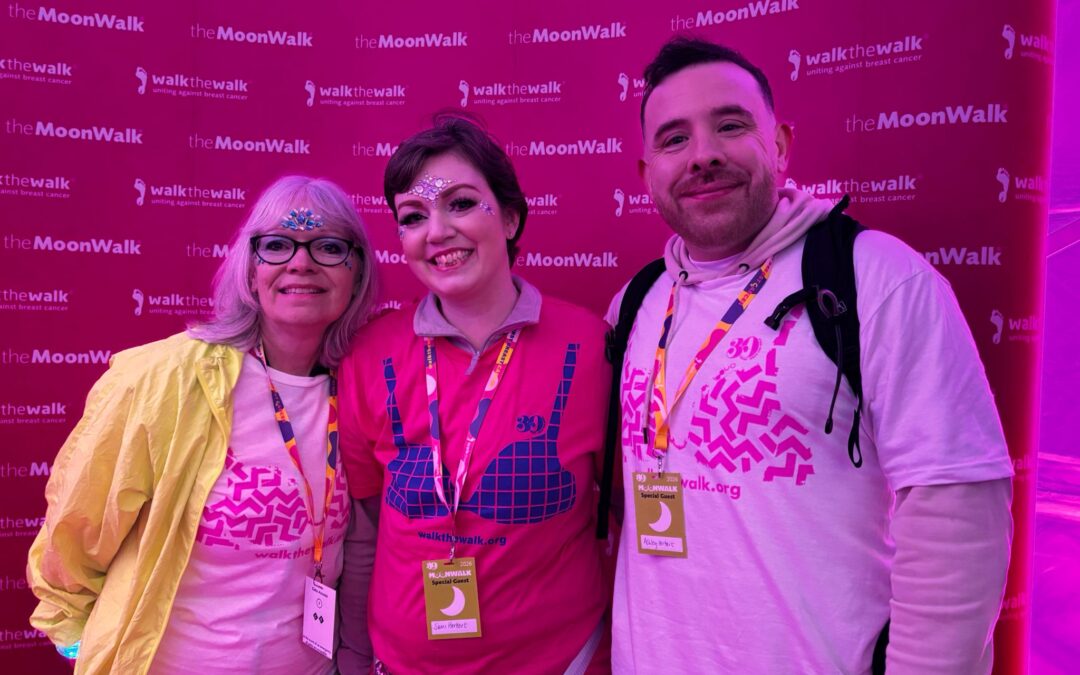
Discover Ashley and Sami’s inspiring story in our Fordway Charity Champions series. After Sami’s cancer diagnosis, the couple turned adversity into action by taking on the MoonWalk London to raise funds and awareness.


