What do you do at Fordway when it comes to licensing support?
In my sales and account management role, I’m responsible for working with — and winning business from — both new and existing customers. This includes consultancy projects and ongoing managed services focused around Microsoft 365, with Fordway administering, managing and supporting the tenant, services and users accessing it. When it comes to licensing support, my role is to understand what issues a customer may be having with their current Microsoft licensing and advise on possible ways to resolve these. Often, engagements start with an audit and review of their tenant by one of our Microsoft consultants, who’ll highlight potential remediation tasks and their associated priority.What’s the first thing you look at when helping a customer figure out the right Microsoft licences they need?
All of our current customers are on Microsoft 365, and most new prospective customers have Microsoft 365 in some capacity. Typically, they’re using Business Premium, Enterprise and/or Frontline plans. A common challenge is that many organisations migrated to Microsoft 365 years ago and haven’t switched on all the features included in their current subscription — let alone revisited whether their licence tier is still appropriate. When helping a customer determine the right licence, there’s usually a compelling event driving the need for change. This could be:
– Their NCE annual commitment nearing renewal – A third-party EDR tool expiring – An internal cost-saving target – New regulatory requirements The first thing I want to understand is that compelling event and why a change is needed. This usually dictates which licence tiers make sense and narrows the choices quickly.Licensing can seem complicated — how do you make it easier for customers to understand?
Fortunately, I’m supported by a team of Microsoft experts who can help me explain licensing if I ever get stuck. A customer might only look at their Microsoft licensing once a year, whereas we review, advise on and optimise licences every day. We use that experience — the patterns, lessons learned and practical insights — to make it easy for customers to understand their options and make informed decisions.
Do you see any common misunderstandings about Microsoft licensing?
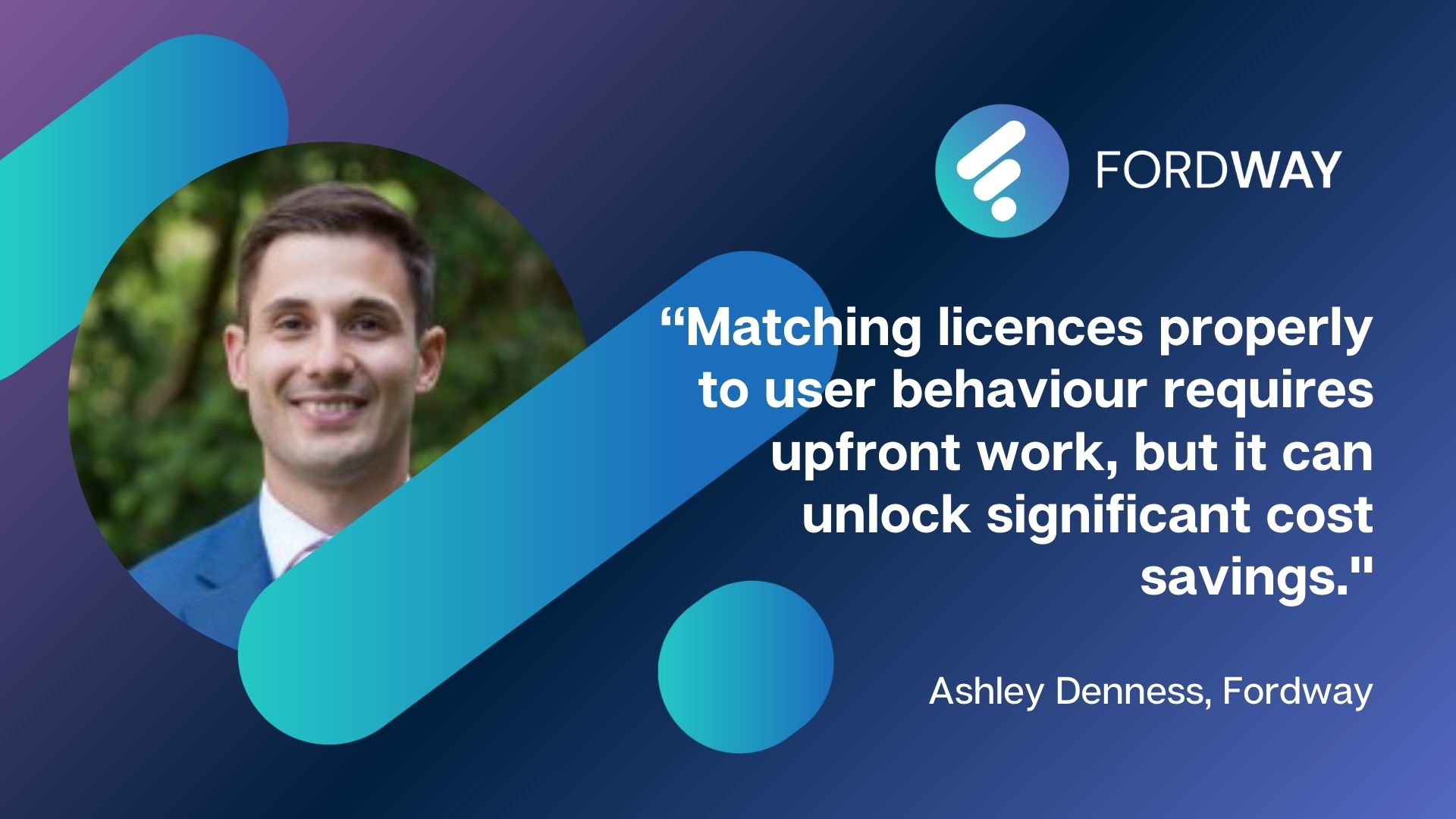
One big misconception is the difference between annual commit and pay-as-you-go. Many customers fully commit to one or the other. But for organisations with a steady baseline of users that also need flexibility, fixing most licences to annual commit while reserving 10–15% on pay-as-you-go can deliver the best of both worlds. Another misunderstanding is just how wide the licensing range is — and how effectively you can mix and match licences based on job roles. We’re working with one organisation where we’re proposing a tailored mix of licences aligned to job roles, whereas another provider is offering the same licence to every user regardless of need. Matching licences properly to user behaviour requires upfront work, but it can unlock significant cost savings.
Can you share a simple example of when you helped a customer choose a better licensing option?
When we delivered our first project for a customer back in 2021, all users were given the same licence tier. As we got to know their business and job roles better, we were able to optimise their licensing. For later projects, we introduced a combination of Enterprise, Frontline and Security plans. This meant the customer could stay compliant while improving their financial competitiveness. For a recent project, this approach saved them almost £1.6 million over the life of a single contract.
How do you decide when something like Microsoft 365 Business is fine, versus when Enterprise makes more sense?
The key thing with Microsoft 365 Business licences is that they’re capped at 300 users. If an organisation is under this threshold and not planning to grow beyond it, Business licences can be an excellent place to start. However, depending on the industry and security requirements, Business licences — even Business Premium — may not be appropriate. In those cases, Enterprise licences are worth the additional investment.
Our Licensing Explained blog series gets updated a lot — why does it change so often from your point of view?
The cynic in me says Microsoft like to keep it that way so customers are less likely to change what they have! But realistically, Microsoft continue to invest heavily in the Microsoft 365 platform, particularly around Security and AI. New features are constantly emerging. As a Microsoft Solutions Partner, Fordway need to stay ahead of these changes, and our Licensing Explained series helps us communicate them clearly.
What do you hope people get from these guides?
Microsoft’s documentation is comprehensive, but for people who don’t live and breathe licensing, it can be overwhelming. Even I struggle with some of the tables and comparison sheets. I hope these guides offer an easy-to-read, digestible breakdown that gives customers the information they need without forcing them to sift through pages of technical documentation.
If you could give organisations one top piece of licensing advice, what would it be?
Really understand your user roles and what they need to do day to day so the right licence tier can be applied.